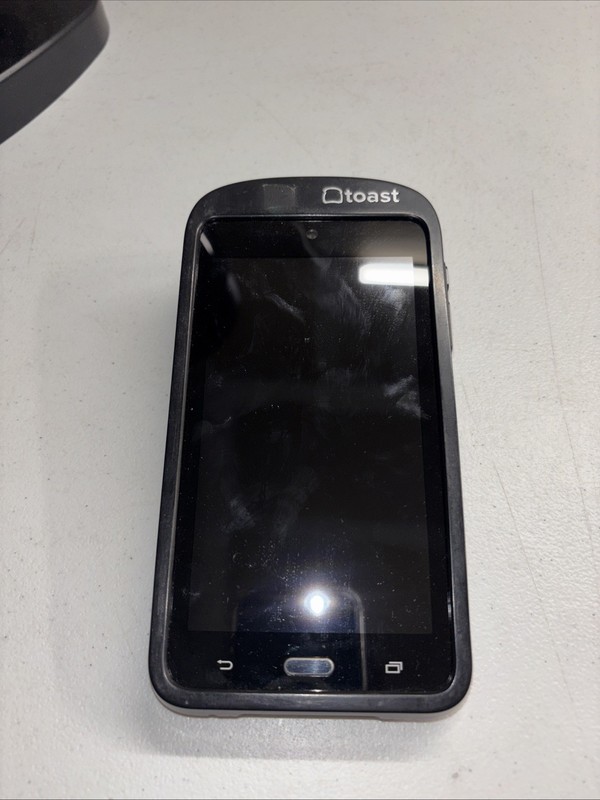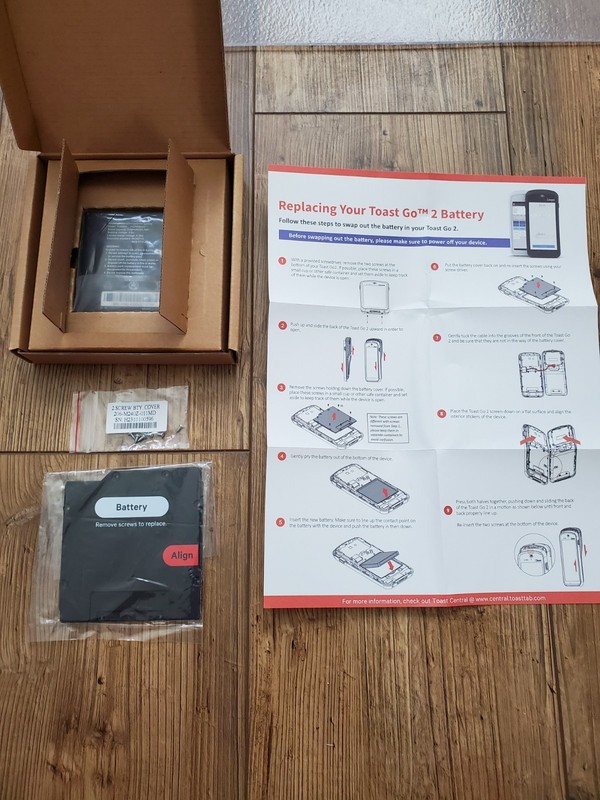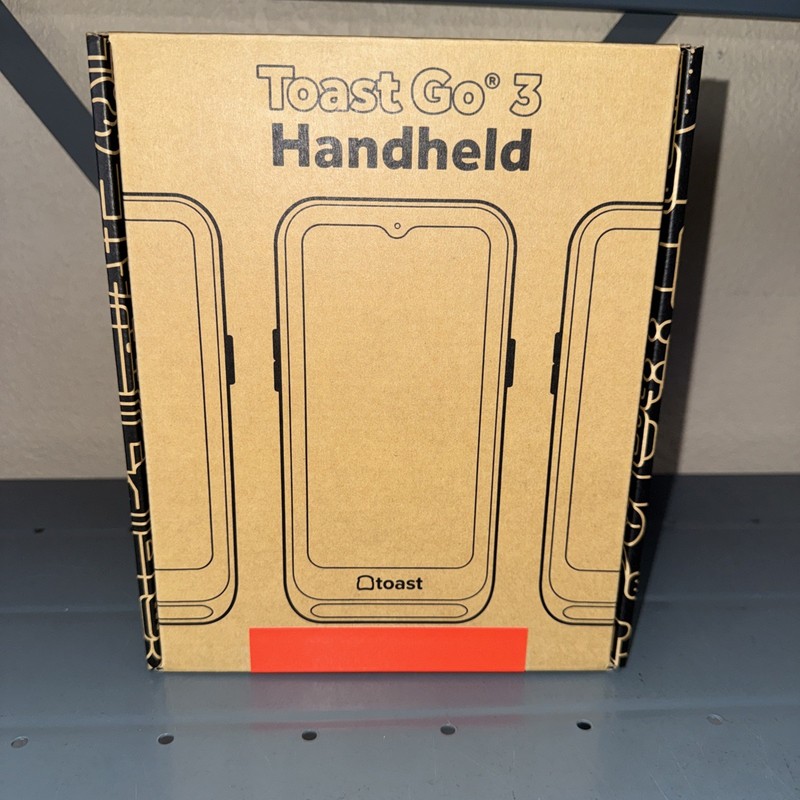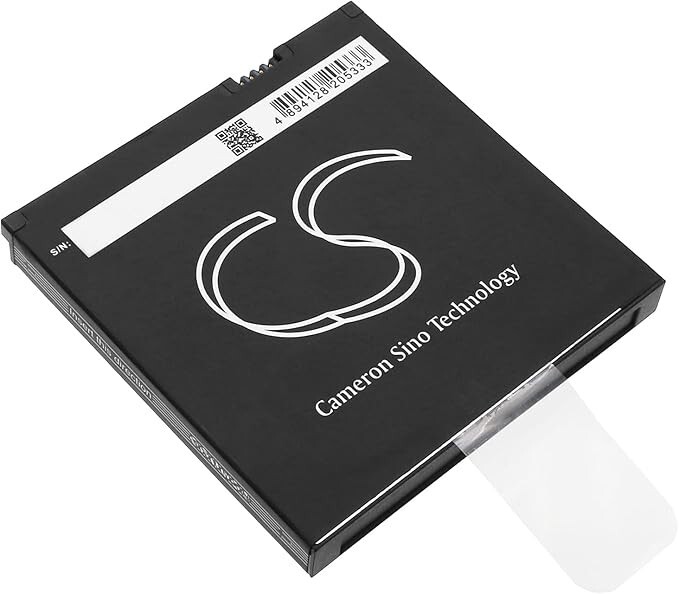
Replacement Battery for Toast Flex POS GO 2 (TG200) Handheld Mobile Computer
USD 59.00 USD
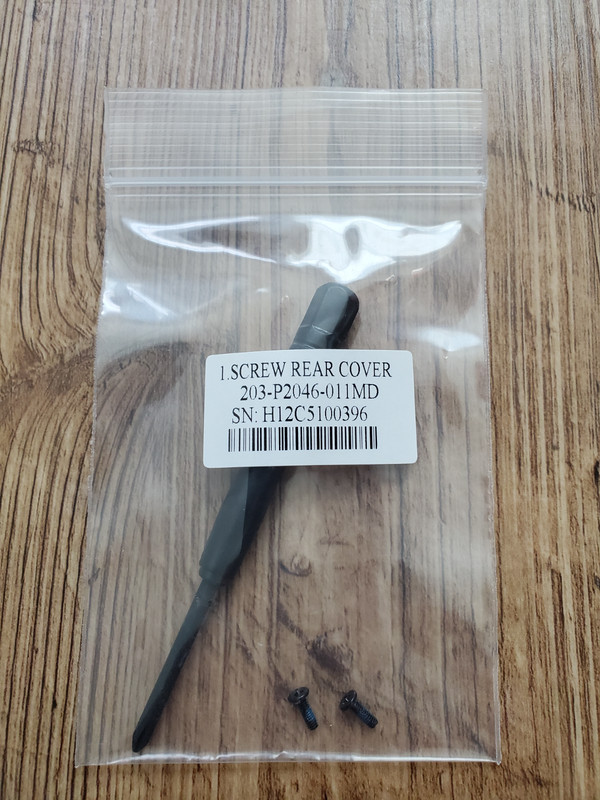
Push down and slide the back of the Toast Go® 2 upward in order to open the device. Using a screwdriver, remove the 2 screws at the bottom of your Toast Go® 2. Gently tuck the cable into the grooves of the front of the Toast Go® 2 and be sure that they are not in the way of the battery cover.
A nice touch with model 4900-777 is the clear display, which helps staff read totals at a glance.